
Website migration sounds technical, but at its core, it’s simply moving your website from one environment to another. This could mean changing your domain name, switching hosting providers, redesigning your site, or moving to a new CMS like WordPress or Shopify. For US businesses, this often happens when scaling operations, improving user experience, or rebranding. But here’s the catch—migration isn’t just a technical upgrade; it’s a high-risk move that can either boost your growth or quietly damage your online presence.
Search engines like Google rely on consistency. When you suddenly change URLs, content structure, or technical settings, search engines need time to understand those changes. According to recent SEO migration data, businesses can lose 20–40% of their organic traffic during poorly executed migrations (Ten Speed). That’s not just a number—it directly translates to lost leads, customers, and revenue. Imagine opening a brand-new store but forgetting to tell your customers where you moved. That’s exactly what happens without a proper migration strategy.
Types of Website Migration
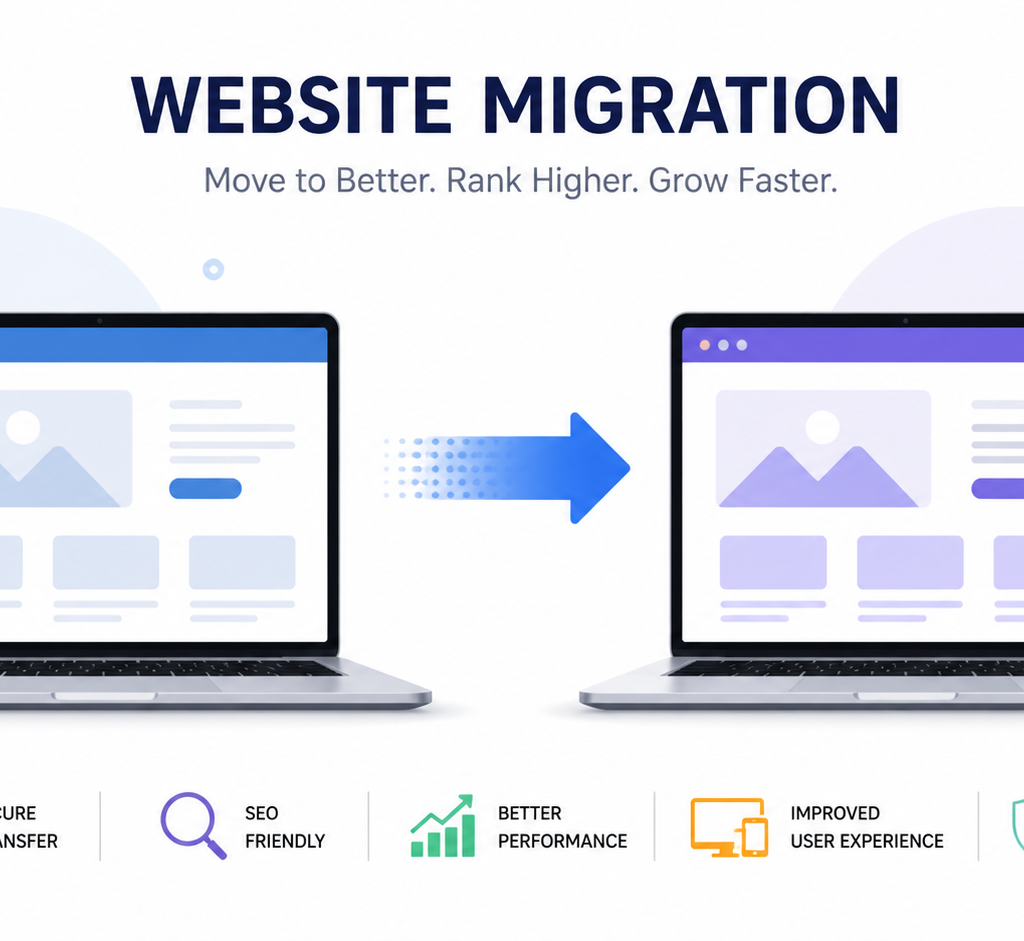
There are several types of migrations, and each comes with its own challenges. Domain migration is one of the most complex because it involves transferring your entire SEO authority to a new address. Platform migration, like moving from WordPress to Shopify, changes how your content is structured and served. Structural migration involves reorganizing URLs or site architecture, while protocol migration includes switching from HTTP to HTTPS. Each type impacts how search engines crawl and index your site, making careful planning essential (urllo).
Why US Businesses Migrate Websites
US businesses often migrate websites for growth. Maybe your current platform can’t handle increased traffic, or your design feels outdated compared to competitors. Sometimes, it’s about improving speed, security, or mobile responsiveness. Other times, it’s a complete rebranding effort. Whatever the reason, migration is an opportunity—but only if executed correctly. Done right, it can improve SEO performance, user experience, and conversion rates. Done wrong, it can undo years of hard work.
Risks of Website Migration
Let’s be honest—website migration is risky. It’s like renovating your house while still living in it. If you knock down the wrong wall, everything can collapse. The same applies to your website. Without a structured checklist, you risk losing visibility, traffic, and even your brand credibility.
SEO Ranking Loss
Search engines build trust over time. When your URLs change, that trust gets disrupted. If redirects aren’t implemented correctly, search engines may treat your new pages as completely different entities. This leads to ranking drops. In fact, poor migrations have caused businesses to lose up to 44% of organic traffic in real-world cases (Marcel Digital). That’s a massive hit, especially for businesses relying on SEO for leads.
Traffic and Revenue Impact
Traffic loss isn’t just about numbers—it affects revenue directly. If your high-converting pages disappear from search results due to broken links or indexing issues, your sales pipeline dries up. Common issues like missing metadata, crawl errors, and duplicate content can all contribute to this decline (Ten Speed). Think of it like closing your shop during peak hours without informing customers—you lose business instantly.
Pre-Migration Planning Phase
Before you touch a single line of code, planning is everything. This phase determines whether your migration will succeed or fail. Smart businesses treat migration as a strategic project, not just a technical task.
Define Goals and KPIs
Start by asking yourself: why are you migrating? Is it for better performance, improved design, or scalability? Define clear goals and measurable KPIs like traffic retention, ranking stability, and conversion rates. Without clear objectives, you won’t know whether your migration was successful.
Conduct SEO Audit
An SEO audit is your baseline. Analyze your current rankings, traffic sources, backlinks, and top-performing pages. This helps you understand what’s working so you don’t accidentally break it. Experts recommend auditing technical factors like page speed, mobile usability, and indexing status before migration (Eco York).
Backup Your Website
This step is often overlooked, but it’s critical. Always create a full backup of your website before migration. If something goes wrong, you’ll have a safety net. Think of it as insurance—you hope you won’t need it, but you’ll be glad it’s there.
Technical Preparation Checklist
Now comes the technical groundwork. This is where most migrations succeed or fail. Precision matters here.
URL Mapping Strategy
Create a detailed map of old URLs to new URLs. Every page should have a corresponding destination. This ensures users and search engines can find your content after migration. Without proper mapping, you risk losing valuable SEO signals.
Set Up Redirects (301)
Redirects are the backbone of SEO migration. They tell search engines that your content has permanently moved. Incorrect or missing redirects can cause major ranking losses. Experts emphasize that every mapped URL should redirect cleanly without chains or loops (Search Engine Land).
Crawl Old Website
Before migration, crawl your existing website using tools like Screaming Frog. This helps identify broken links, duplicate content, and other issues. It also gives you a complete snapshot of your site structure.
Content and SEO Preservation
Here’s where things get tricky. Many businesses make the mistake of redesigning and rewriting content during migration. That’s like changing your house layout and furniture at the same time—it becomes impossible to track what caused problems.
Preserve High-Performing Pages
Your top-ranking pages are your biggest assets. Don’t change them drastically during migration. Keep URLs, content, and metadata consistent to minimize risk. Experts warn that changing everything at once creates “double risk” for SEO (Omega Digital).
Maintain Metadata and Structure
Meta titles, descriptions, headers, and internal linking structure should remain intact. These elements play a crucial role in search visibility. Even small changes can impact rankings, so consistency is key.
Migration Execution (Launch Day)
Launch day is where everything comes together. It’s also where mistakes become visible instantly.
Deploy New Website
Once your new site is live, ensure everything is functioning properly. Remove any noindex tags used during testing and make sure search engines can crawl your site.
Test Redirects and Links
Run a full crawl of your live site. Check for broken links, redirect issues, and missing pages. Even small errors can impact user experience and SEO. Testing should be thorough, not just limited to top pages (Search Engine Land).
Post-Migration Checklist
Migration doesn’t end after launch. In fact, this is where the real work begins.
Monitor Traffic and Rankings
Keep a close eye on your analytics. Compare pre- and post-migration performance. Expect some fluctuations—rankings typically stabilize within 4–8 weeks after migration (Hashmeta).
Fix Errors and Indexing Issues
Use tools like Google Search Console to identify crawl errors and indexing problems. Fix them quickly to minimize impact. Continuous monitoring is essential for long-term success.
Common Mistakes to Avoid
Even experienced teams make mistakes during migration. Knowing what to avoid can save you time, money, and stress.
Ignoring Redirects
Missing or incorrect redirects are the number one cause of SEO failure during migration. Always double-check your redirect mapping.
Changing Too Much at Once
Avoid redesigning, rewriting content, and changing URLs simultaneously. This makes it difficult to identify what caused any issues.
Tools for Website Migration
Here’s a quick comparison of essential tools:
| Tool | Purpose | Benefit |
| Google Search Console | Indexing & monitoring | Track errors & performance |
| Screaming Frog | Site crawling | Identify technical issues |
| Ahrefs / SEMrush | SEO tracking | Monitor rankings & backlinks |
| Google Analytics | Traffic analysis | Measure performance |
Conclusion
Website migration isn’t just a technical process—it’s a business-critical operation. For US businesses, where online competition is fierce, even a small mistake can lead to significant losses in traffic and revenue. The key to success lies in preparation, precision, and continuous monitoring. Treat migration as a strategic project, not a quick upgrade. When done correctly, it can unlock new growth opportunities, improve user experience, and strengthen your SEO foundation.
FAQs
1. How long does website migration take?
Most migrations take 3–6 months including planning, execution, and stabilization (Ten Speed).
2. Will I lose SEO rankings after migration?
Some fluctuation is normal, but proper planning minimizes long-term losses.
3. What is the most important step in migration?
Setting up accurate 301 redirects is the most critical step.
4. Can I redesign my website during migration?
Yes, but it’s risky. Avoid major content changes at the same time.
5. How do I know if migration was successful?
Monitor traffic, rankings, and conversions. Stable or improved metrics indicate success.